MSDP · The delivery platform
Every site. Every team.
Every PO item.
One record from dispatch to approved value. On the web for the office, on the phone for the field.
Start with one project. You decide on an agreed date.
- 4 products, one site record
- Web for the office, phone for the field
- Review and approval built in
The line-up
Each one does one job. All of them share the site.
-
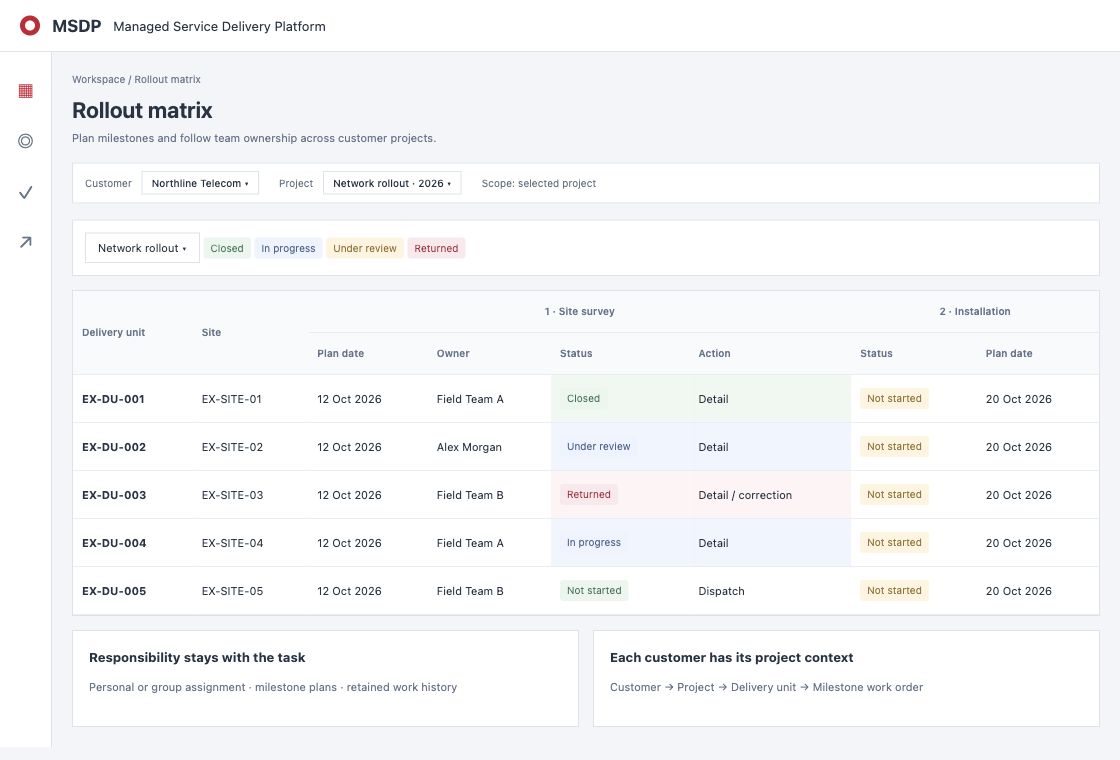 For the officeWorkspaceEvery site, its dates, its owner and its status on one screen.Explore
-
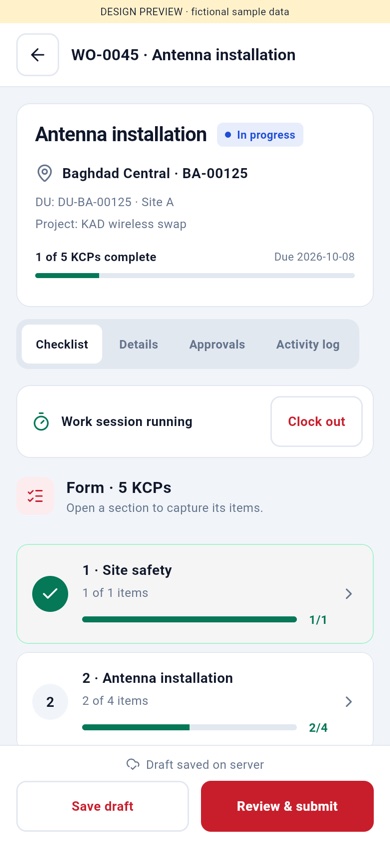 For the field teamFieldForceThe task, its checklist and the camera. Proof is taken on site.Explore
-
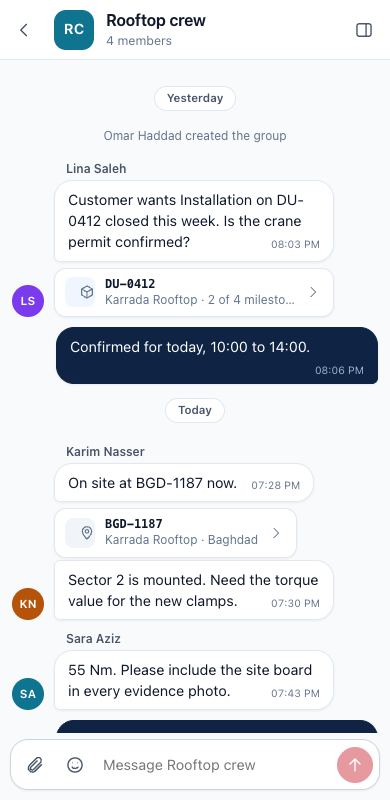 For the project teamConnectProject channels, groups and direct messages, next to the work.Explore
-
 From Core LinkManaged servicePO check, quality check and a report on PO status and acceptance.Explore
What you get
Less chasing. Faster claims. A record you can show.
- 01One record per siteChecklist, photos, readings, review and PO items, in one place.
- 02Proof with the workThe team adds photos and readings on site, inside the checklist.
- 03Value you can claimFinished work shows as ready to claim, with the amount.
From dispatch to approved value
One site, in five chapters.
Follow one installation from the office to the field and back to approved value.
-
01Workspace
Plan and assign
The coordinator plans the installation and gives it to a field team. The team sees the site, the task and its checklist.
-
02FieldForce
Do the work and prove it
The team ticks the checklist, takes photos and records readings on site. The work is sent for review in one tap.
-
03Workspace
Review and close
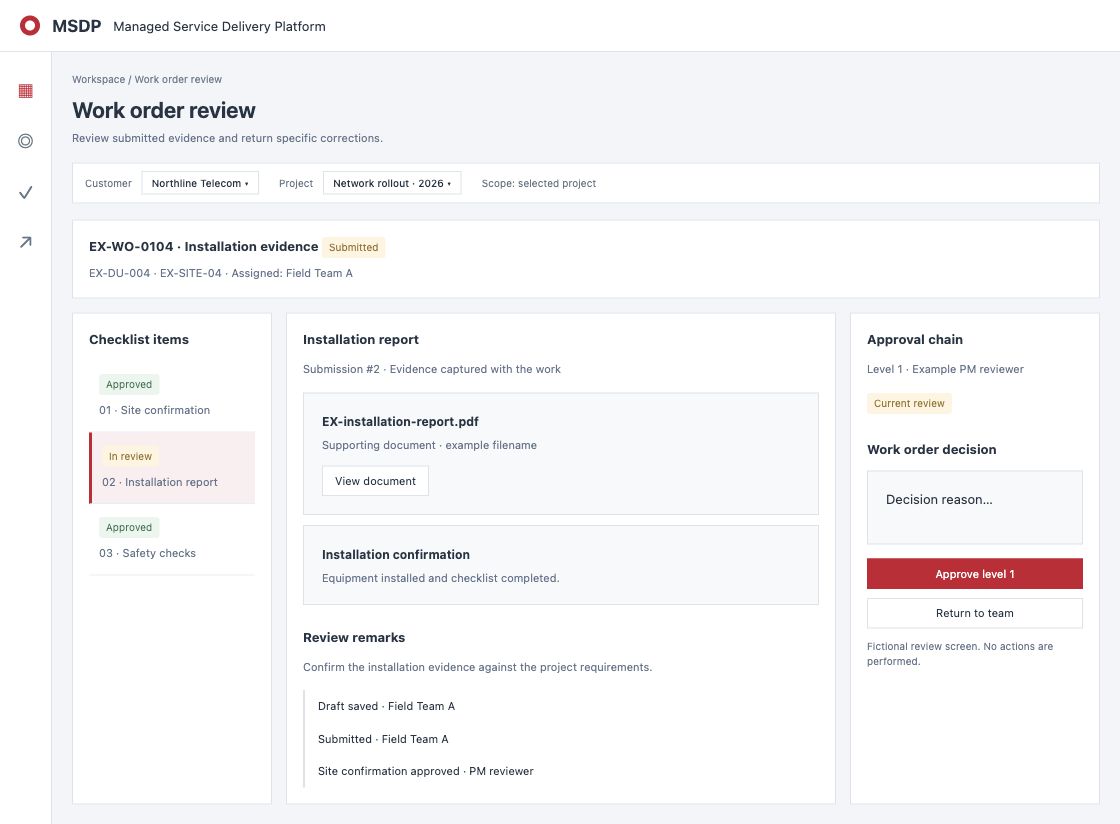
The reviewer checks the proof beside the work. A step sent back carries the reason. When the work is complete, the milestone closes.
-
 04Revenue
Claim the value
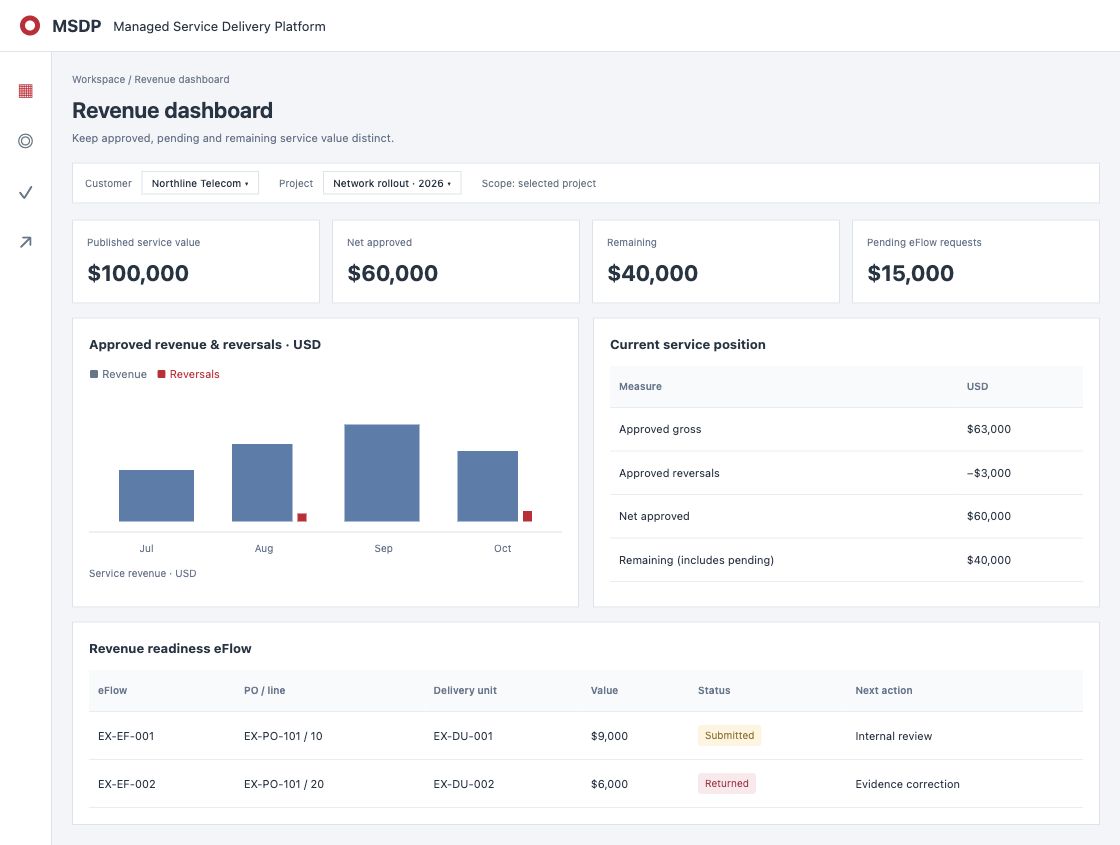
Closed work shows as ready to claim, with its PO item and amount. The claim goes to the person who approves revenue.
-
05Revenue
Approve the value
The reviewer records the decision. Approved value sits against the original PO item, with its history.
Every device
The office on the web.
The field on the phone.

- WebWorkspace, revenue and Connect
- PhoneFieldForce and Connect
Who it is for
Everyone on the delivery sees their part.
- Delivery managerSee every site and what is holding it, without calling anyone.
- Project coordinatorAssign the work and follow it from the same screen.
- Field teamOne app for the task, the checklist and the photos.
- Revenue reviewerApprove value with the proof beside it.
Your managers stay in charge of your clients and your teams.
Ways to work
Take the platform, the service, or both.
-
Platform
Your team runs MSDP.
- Workspace for the office
- FieldForce for the field
- Connect for the project
- Review, claims and approval
-
Everything
Platform + managed service
Your team and Core Link, on one record.
- Everything in Platform
- PO check and quality check
- Report on PO status and acceptance
- Follow-up with your teams through the platform
-
Managed service
Core Link checks and reports.
- PO check
- Quality check before acceptance
- Report on PO status and acceptance progress
Questions
Do we stop using our client's system?
No. Keep using it for your client. MSDP is your own record of the work, the proof and the value you can claim.
Does MSDP send invoices?
No. It records approved value against each PO item. It does not issue invoices or collect payment; that stays in your finance system.
Who talks to our client and our teams?
Your managers stay in charge of both. With the managed service, Core Link checks POs and quality, reports on progress and follows up with your teams through the platform.
Does the field app need a connection?
Yes. FieldForce needs a connection on site to send the work.
How do we start?
Pick one active project. We set it up with you from your site list and your client's PO file. On an agreed date you look at the result and decide.
Start with one project.
Bring an active project and its PO file. On an agreed date, you decide.
Screens show example data.